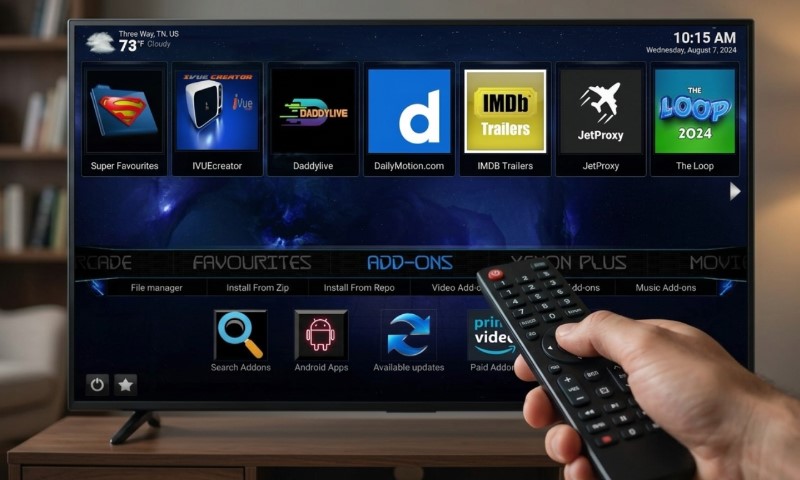
If you’re looking for the top Kodi build, the secret is staying lightweight, choosing active projects compatible with Kodi 21.3 Omega, and keeping things legal. For the Firestick crowd, Estuary Switch, Plutonium, and OneFlix are fantastic, reliable picks that keep your interface snappy without the bloat of heavy skins.
Power users on Android TV or Nvidia Shield can easily handle richer setups like Diggz Xenon Plus, Green Monster, or Aspire. If you’re on a PC, you’ve got plenty of horsepower for full-featured builds, though many pros still prefer a clean Kodi install paired with a few hand-picked legal add-ons over a pre-baked setup.
Kodi 21.3 Omega is still our rock-solid stable friend in mid-2026, even with Kodi 22 Piers hitting Beta 1 on June 28, so keeping an eye on compatibility is still the name of the game.
What a Kodi Build Means
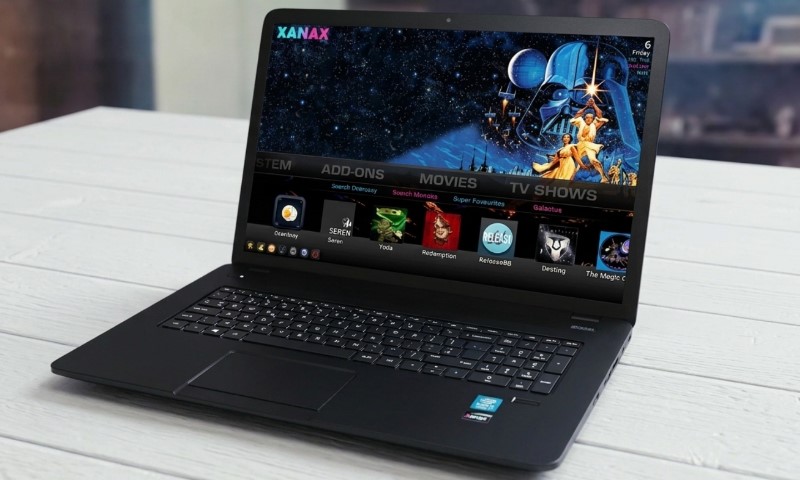
Think of a Kodi build as your dream media center, delivered ready-to-use with a custom skin, menus, widgets, and add-ons already dialed in. Instead of spending hours tinkering with settings and individual installs, a build lets you jump straight into a polished, curated layout.
Just remember that Kodi itself is free, open-source magic from the Kodi Foundation, running beautifully on everything from Windows and Android to macOS. You can grab the official bits from the official Kodi download page to get started on your preferred platform.
The key takeaway? Kodi is the app, but a build is a community creation. Because many builds tap into third-party repos, quality varies. As the Kodi wiki points out, installing via zip files means enabling Unknown Sources, which is your signal that you’re moving into the custom, community-driven world.
Best Kodi Builds At a Glance
| Kodi Build | Best For | Firestick Fit | Android TV Fit | PC Fit | Main Caveat |
| Estuary Switch | Simple daily use | Excellent | Excellent | Good | Less flashy |
| Plutonium | Sleek TV experience | Excellent | Good | Good | Leaner on features |
| OneFlix | That Netflix vibe | Good | Excellent | Good | Select add-ons wisely |
| Diggz Xenon Plus | The works (all-in-one) | Fair on older sticks | Excellent | Excellent | Heavier on resources |
| Green Monster | Stunning visuals | Fair | Good | Excellent | A bit complex |
| Aspire | Cinephile browsing | Fair | Good | Excellent | Space-hungry |
| Game On | Gameday ready | Good | Good | Good | Stick to legal sources |
| Clean Kodi + Estuary | Personal library pro | Excellent | Excellent | Excellent | DIY effort required |
Behind the Selection Process
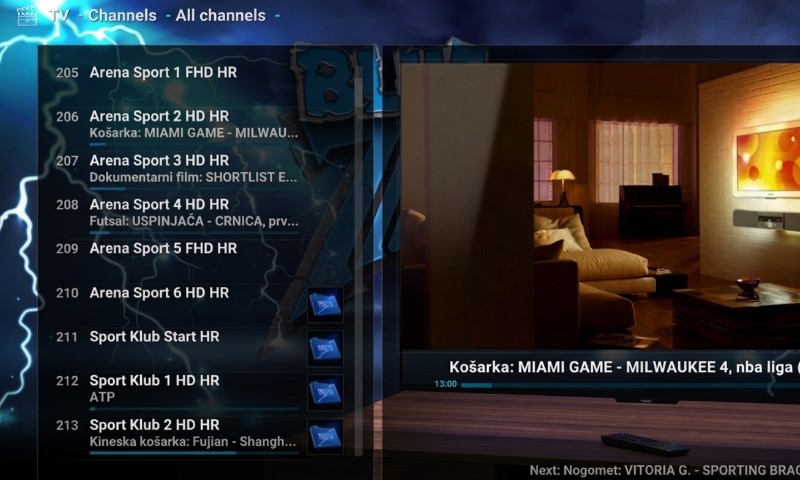
Our picks focus on the “big four”: Omega compatibility, device speed, ease of use, and overall safety. Keep in mind that the build scene moves fast – no list can promise that every repo will be up 24/7, so it’s always smart to have a backup plan.
Most 2026 roundups still point to favorites like Estuary Switch, Green Monster, and Diggz Xenon Plus. Just be a savvy reader; many sites push VPNs, so look for the actual performance data behind the hype.
The experts at SafetyDetectives have a great 2026 Kodi build guide that breaks down install sizes and interface styles in detail.
Hardware is half the battle. Amazon’s own Fire TV specs show just how much power varies between a basic stick and a 4K powerhouse. If you’re on an older device with limited storage, a lightweight build is going to feel much better than a “heavy” one designed for a PC.
Best Kodi Build for Firestick: Estuary Switch
If you’re on a Firestick, Estuary Switch is likely your best bet. It stays close to Kodi’s roots, which means it’s lightning-fast and doesn’t eat up your limited RAM. Firesticks are convenient, but they aren’t mini PCs, so being efficient is key.
The real win here is how familiar it feels. Since it’s based on the default skin, it’s intuitive and keeps navigation simple. It’s the perfect “daily driver” for accessing your local media, YouTube, or legal IPTV without any fuss.
Just a tip: keep the widgets to a minimum. Firesticks can get bogged down when they have to juggle too much artwork and menu data at once.
Best Lightweight Build: Plutonium
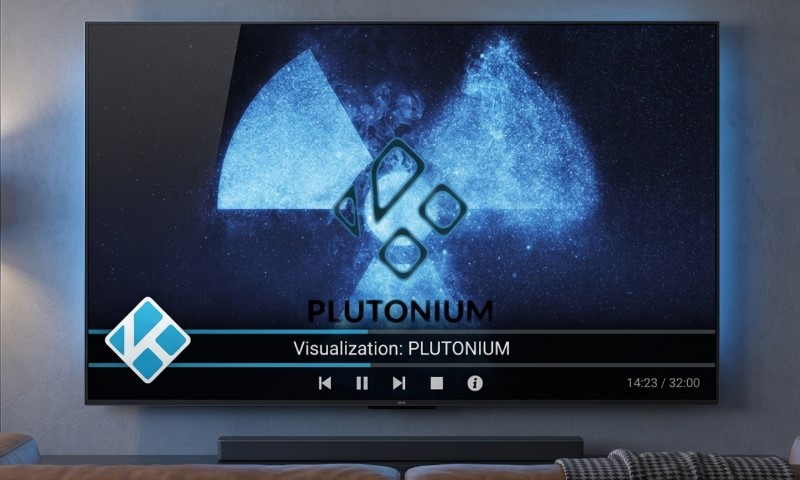
Plutonium is the go-to for anyone who wants a “designer” look without the lag. It’s famously lightweight, making it an excellent choice if you want a polished TV interface that doesn’t turn your Kodi into a slideshow.
It strikes a beautiful balance between style and speed. On a Firestick 4K or an Android TV box, that responsiveness usually matters way more than having a hundred different menu categories you’ll never use.
It’s perfect for the basics – movies, music, and weather. Just keep it lean; over-loading it with heavy background services will eventually catch up to you.
Best Full Build for Android TV and PC: Diggz Xenon Plus
Diggz Xenon Plus is a legend for a reason. It offers a full home-theater experience with all the bells and whistles. You’ll find it at the top of many Kodi build rankings thanks to its incredible compatibility and deep menu system.
This one shines on the Nvidia Shield or a PC. While it *can* run on a Firestick, it’s a bit like putting a heavy engine in a small car – it’ll move, but you might feel the weight when everything is loading up.
Think of Xenon Plus as a framework. To keep it running smooth, ditch the add-ons you don’t need, stick to legal repos, and focus on your own local media tools.
Best Big-Screen Build: Green Monster
Green Monster is built for the big screen. If you have a large living room TV and want a bold, dark interface that looks premium, this is it. It’s highly visual and makes a great impression on powerful Android TV hardware.
Just be ready for a bit of a learning curve. The interface is dense, so finding settings can take a second compared to simpler builds. It’s a great choice if you have the RAM to spare and know your way around Kodi.
Give it a look if you prioritize aesthetics and have a device that can handle the extra graphical load.
Best Movie and TV Browsing Build: Aspire
Aspire is tailored for those who live for movie night. It has a curated, premium feel and focuses heavily on organized browsing, though that comes with a slightly larger footprint than the “light” builds.
PCs and high-end Android boxes eat this for breakfast, but entry-level sticks might feel the pinch. Over time, cache and thumbnails can add up, so keep an eye on your storage space.
If you’ve got a massive library or use Trakt to manage your watchlists, Aspire is a dream. It’s not for the “less is more” crowd, but it’s fantastic for serious collectors.
Best Netflix-Style Build: OneFlix
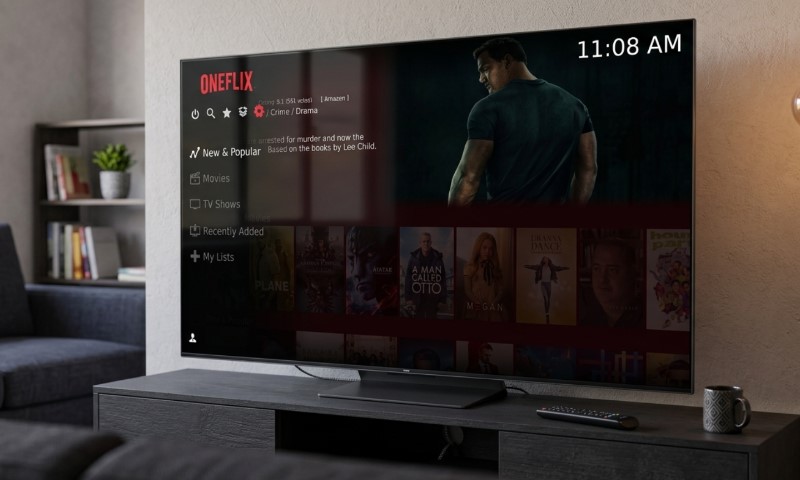
OneFlix is all about user-friendliness. By mimicking the layout of popular streaming services, it makes Kodi feel instantly familiar. It’s the perfect choice for a shared family TV where you don’t want to explain how the menus work every five minutes.
It’s less about raw speed and more about a great user experience. If you’re not a fan of the “classic” Kodi look, OneFlix is a breath of fresh air.
Try it on a 4K Firestick or Shield for the best results, and keep it clean by removing any redundant add-ons.
Best Sports-Focused Build: Game On
For the sports fans, Game On is a fantastic way to stay organized, but remember to keep it legit. A great sports interface only works as well as the licensed, legal sources you connect it to.
It covers everything from football to wrestling in a manageable size. The real challenge is just ensuring your streams are coming from reliable, lawful providers.
Kodi’s official word is clear: users are responsible for how they use the app. As they explain in their Kodi is legal breakdown, a VPN doesn’t change the law. Stick to official broadcaster apps and licensed IPTV for the best (and safest) gameday experience.
Best Option for Local Media: Clean Kodi With Estuary
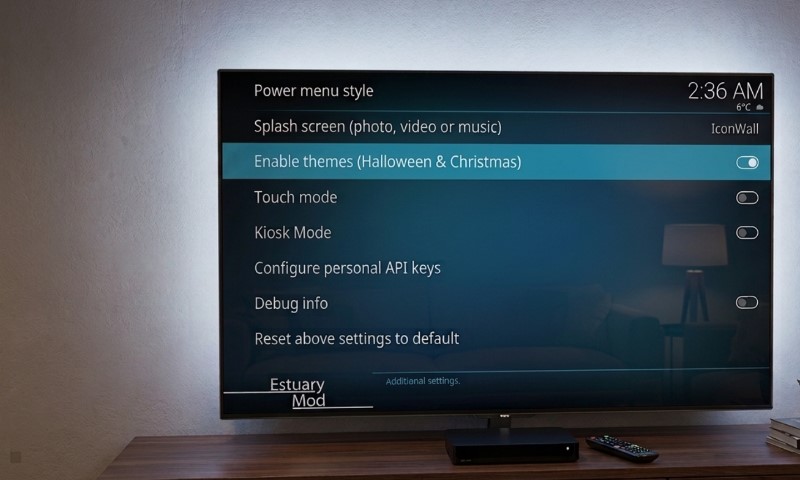
Sometimes the best build is no build at all. A clean install with the default skin is unbeatable for stability and troubleshooting. It’s the ultimate setup for anyone who just wants to play their own files from a NAS or local drive without any extra fluff.
Kodi handles local and network media like a pro, and you can always add YouTube or IPTV Simple Client yourself. The Kodi overview does a great job explaining its core role as a powerful media center.
PC users might also love LibreELEC, a lightweight OS designed solely to run Kodi. For specific Android TV hardware, CoreELEC offers a similarly streamlined, high-performance experience.
Firestick, Android TV, Or PC: Which Build Fits Best?
Firestick users: stick to the “light” side. Estuary Switch and Plutonium are your best friends. If you have a newer model, OneFlix is great, but keep that cache cleared to keep things snappy.
Android TV users: you’ve got options. Whether it’s a Shield or a modern Chromecast, you can handle the more visual builds like Green Monster or Xenon Plus with ease.
PC users: you’re in the clear. Your hardware can handle pretty much anything. Check out the Windows download page for the easiest way to get Kodi 21.3 Omega running on your machine.
Legal And Security Notes Before Installing Any Build
@ugtech2 Kodi 21 omega install on ANY android based device. This quick guide will teach you how to install kodi 21 in just a few minutes. Some app stores still don’t have the official version to install yet. #UGT #kodi #kodi21 #kodiomega #streaming
Kodi is totally legal, but how you use it matters. The Kodi Foundation reminds us that third-party add-ons can carry risks, so always be mindful of what you’re installing and where it’s coming from.
Our “Safety First” checklist for Kodi builds:
- Stick with Kodi 21.3 Omega for stability right now.
- Always use HTTPS repositories when possible.
- If a build promises “free everything,” it’s a red flag.
- Ditch any add-ons that seem sketchy or stop updating.
- Always back up your setup before trying something new.
- Lean on official add-ons for the heavy lifting like YouTube and PVR.
Kodi 22 Piers is exciting, but for your main TV, Omega is the way to go for now. Beta software can be fun to test, but stability is king in July 2026.
FAQs
Final Verdict
Ultimately, the best build is the one that fits your device and your style. Estuary Switch is our top pick for speed, while Plutonium is the lightweight style champ. For PC and high-end Android users, Diggz Xenon Plus offers the most complete experience.
Don’t be afraid to try Green Monster or OneFlix if your hardware can handle it. Just keep things legal, stay updated, and enjoy your ultimate media center!
At the end of the day, a clean install of Kodi 21.3 Omega with a few trusted add-ons is often the smartest, most reliable way to watch in 2026.